

Mumbai -400078 Maharashtra, India
Local SEO Tips for Small Businesses (2026): 15 Proven Ways to Rank on Google Maps

If you run a small shop, clinic, salon, coaching class, repair centre, or any local service in India, ranking on Google Maps can directly affect how many customers you get every week.
Today, when people need a nearby service, they search on Google. Queries like “AC repair near me”, “dentist in Kalyan”, or “mobile shop in Dombivli” usually show Google Maps results first.
If your business appears in the top results on Google Maps, you naturally get more phone calls, more direction requests, and more walk-in customers. If you are not visible there, you lose customers to competitors, even if your service quality is better.
These local SEO tips for small businesses are designed to help Indian businesses improve Google Maps visibility in 2026. Below are 15 practical steps you can start today, along with simple actions you can follow without technical knowledge.
1. Claim and verify your Google Business Profile (GBP) — do this first
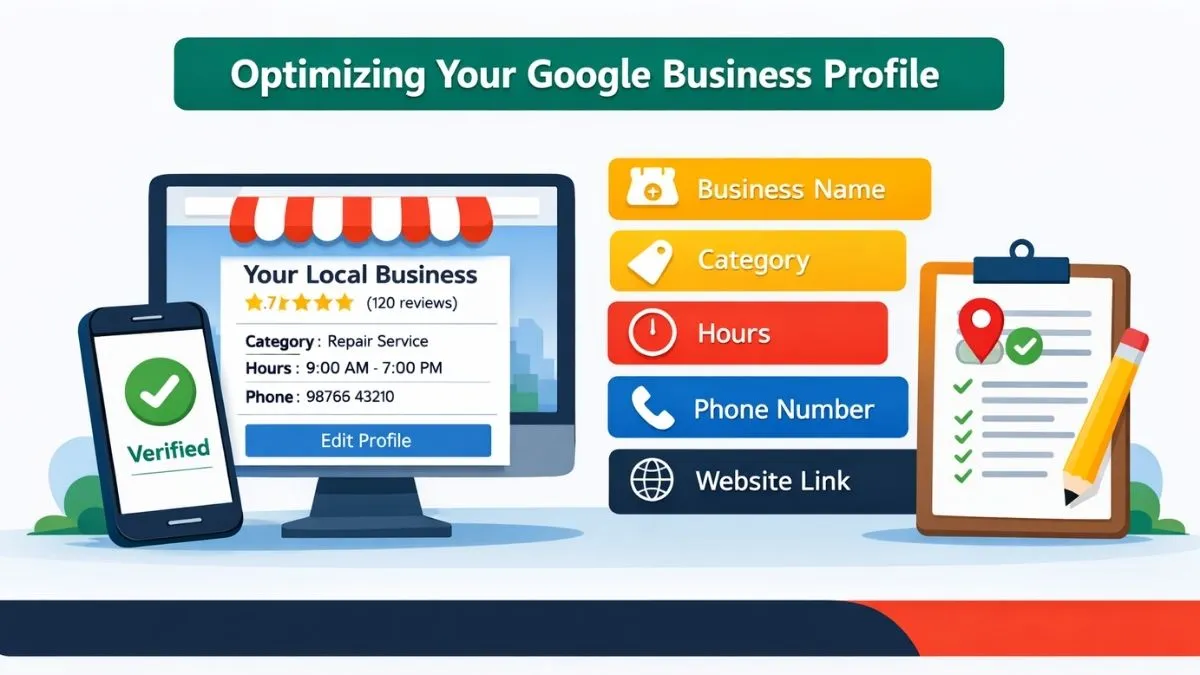
Your Google Business Profile is the main factor for ranking on Google Maps. If your profile is not verified or is incomplete, Google will not trust your business fully.
Make sure your business name, category, address, phone number, working hours, and website link are all filled correctly. Choose the category that best matches your main service, not a random or broad one.
Write your business description in simple words, the same way you explain your work to customers in real life. Avoid fancy marketing lines. Upload real photos of your shop, office, or work area.
Action:
Log in to your Google Business Profile, complete every section, verify your business, and add at least 5 real photos.
2. Use the exact same Name, Address and Phone everywhere
Your business details should be exactly the same on Google Maps, your website, Justdial, Sulekha, Facebook page, and other platforms. Even small differences like “Rd.” and “Road” or missing area name can confuse Google.
When Google sees different information on different websites, it becomes unsure about your business location and identity. This can reduce your visibility in local search results.
Action:
Create one standard format of your business name, address, and phone number. Copy and use the same format everywhere.
3. Use local keywords the way customers speak
People search in simple language, not technical terms. They type “plumber near me”, “salon in Kalyan”, “computer repair Dombivli”.
Use such natural local phrases on your website:
-
In page titles
-
In headings
-
In service descriptions
-
In image alt text
Do not repeat keywords again and again. Write naturally as if you are talking to a customer.
Action:
Add one clear city + service phrase to each main service page.
4. Create separate pages for each service and each main location
If you offer multiple services or serve more than one area, do not keep everything on one page. Create separate pages for your main services and main locations.
For example:
-
One page for “AC repair in Kalyan”
-
One page for “AC repair in Dombivli”
-
One page for “Fridge repair in Kalyan”
This helps Google match your pages to local searches and improves your chances to rank for more local keywords.
Action:
Start with your top 2 services and top 2 locations. Create 4 focused pages first.
5. Build a steady flow of real Google reviews — then reply
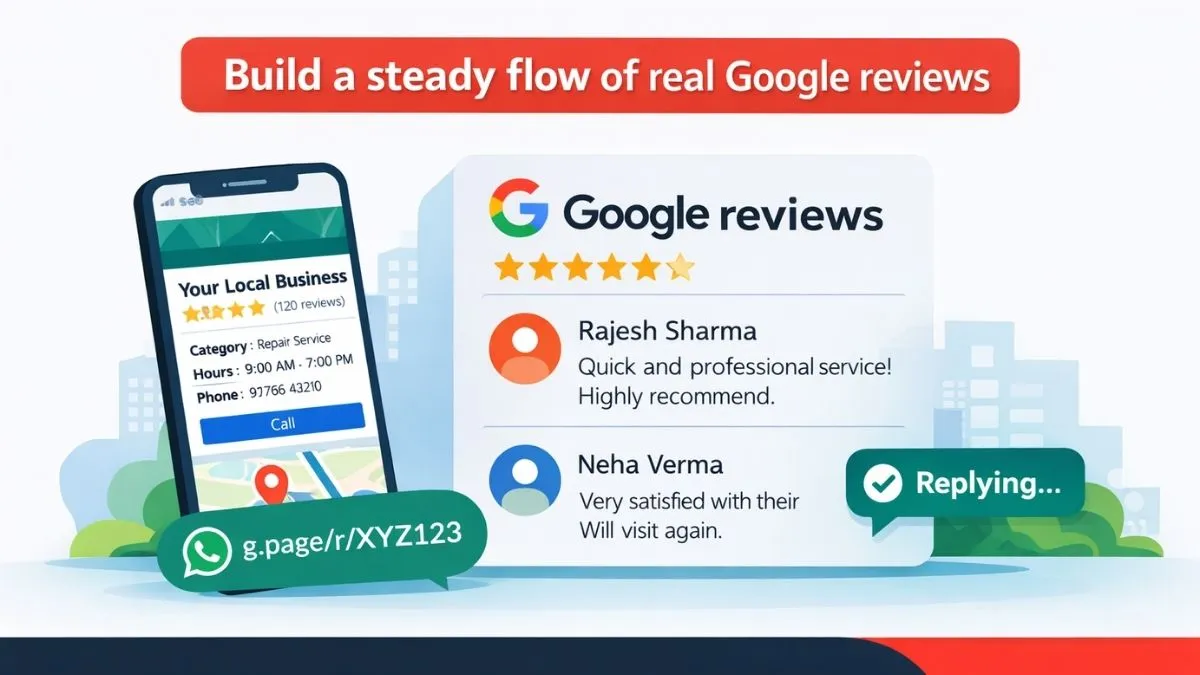
Reviews help your ranking and also build trust with new customers. A business with regular genuine reviews looks active and reliable.
Do not try to get many reviews in one day. A slow and steady flow looks more natural. Ask satisfied customers politely to leave a review. You can send them a simple WhatsApp message with your review link.
Always reply to reviews, even negative ones. A polite reply shows that you care about feedback.
Action:
Create a simple process to ask for reviews after every completed job. Reply to every review within 24–48 hours.
6. Post simple, short updates on your GBP
Posting updates on your Google Business Profile keeps your profile active. You can post:
-
Festival offers
-
New services
-
Limited-time discounts
-
Business updates
You do not need long content. Even one short post every 10–15 days is enough to show activity.
Action:
Set a reminder to post at least twice a month on your GBP.
7. Use LocalBusiness schema on your pages
Schema helps Google understand your business details clearly. It shows your address, working hours, service area, and business type in a structured way.
This does not directly guarantee ranking, but it strengthens your local SEO signals and improves how your business is understood by search engines.
Action:
Add LocalBusiness schema to your homepage and location pages and test it using Google’s Rich Results Test.
8. Make your site mobile-fast and call-friendly
Most local searches happen on mobile phones. If your website is slow or difficult to use on mobile, people will leave and call your competitor.
Make sure:
-
Pages load fast
-
Phone number is clickable
-
Contact buttons are easy to find
-
Forms are simple
Action:
Check your website on your own mobile phone. Fix slow loading pages and make your call button visible.
9. Embed Google Maps on your contact page
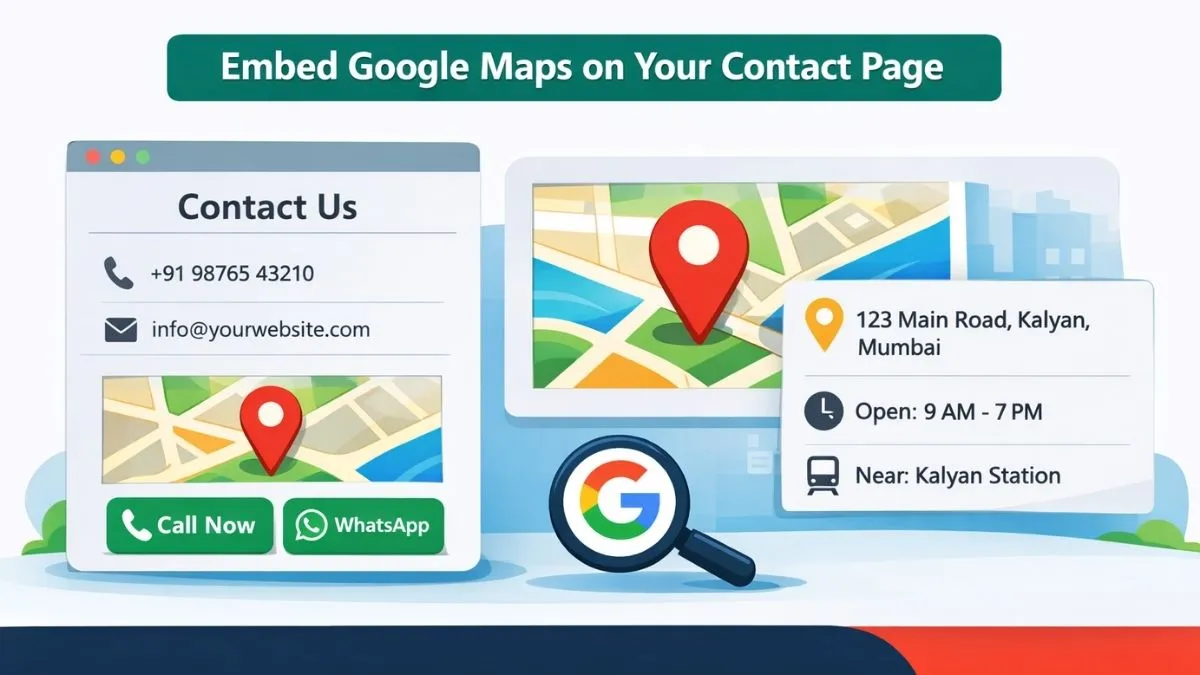
Adding a Google Map to your contact page makes it easier for customers to find your location. It also helps Google connect your website with your business location.
Add simple directions and nearby landmark details if possible.
Action:
Embed your Google Map on the contact page and add Call and WhatsApp buttons near it.
10. Get listed on a few trusted Indian directories
Listing your business on a few well-known Indian directories helps Google trust your business details and improves your local presence.
Focus on quality platforms like Justdial, Sulekha, and relevant local business websites. Do not create listings on random low-quality sites.
Action:
Audit your existing listings, correct wrong details, and add your business to up to 5 trusted directories.
11. Use FAQs with local intent
Add FAQs on your website that answer local customer questions such as:
-
Do you provide home service in Kalyan?
-
Do you offer same-day repair?
-
What are your working hours on weekends?
These FAQs help users and can also appear in search results.
Action:
Add 6–8 local FAQs on your main service pages.
12. Upload real photos and short videos regularly
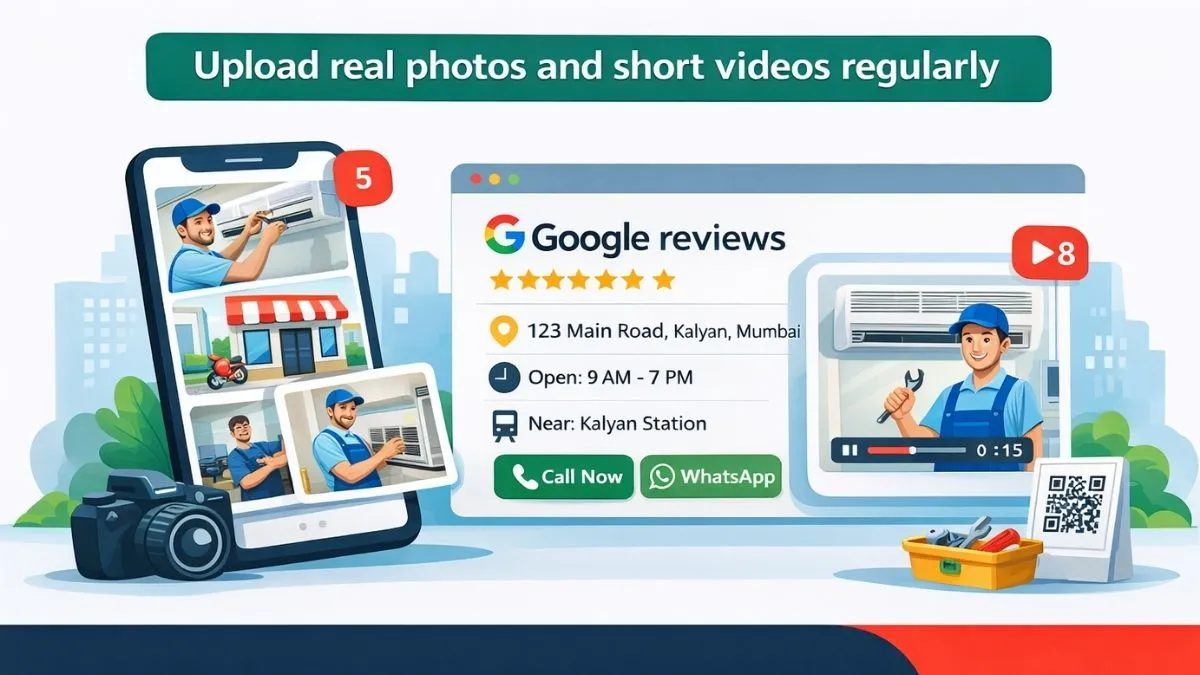
Real photos of your shop, team, and work build trust. Short videos showing your work process or a finished job also help customers feel confident.
Update your photos from time to time so your profile looks active.
Action:
Upload at least 5 real photos and one short video this week. Add new photos every month.
13. Find and remove duplicate listings
Sometimes Google creates more than one profile for the same business. This splits your reviews and confuses customers.
Search your business name on Google Maps. If you find duplicate profiles, report them and keep only one correct profile.
Action:
Check for duplicates once every 3 months and clean them up.
14. Track GBP insights and call data
Google Business Profile shows how many people:
-
Viewed your profile
-
Clicked to call
-
Asked for directions
Track these numbers monthly. If calls increase after reviews or photos, you know what is working.
Action:
Download your GBP insights once a month and note changes.
15. Run a focused 30–90 day local SEO routine
Local SEO works best when you follow a simple routine:
Days 1–7
-
Verify GBP
-
Correct business details
-
Upload photos
-
Add one post
Days 8–30
-
Create 1–2 location pages
-
Get 5–10 reviews
-
Fix mobile website issues
Days 31–90
-
Add directory listings
-
Publish 2 local blog posts
-
Build a few local backlinks
-
Track results and improve
Small regular actions bring long-term visibility on Google Maps.
Common mistakes that quietly hurt local ranking

-
Using different phone numbers across listings
-
Choosing the wrong main category on GBP
-
Buying fake reviews
-
Using one generic page for many services and cities
-
Not updating your Google Business Profile for months
Along with local SEO, social media plays a strong role in bringing local attention to your business. For a complete planning guide, read our article on How to Create a Social Media Marketing Strategy Plan in 2026 to learn how to build a consistent presence and attract local customers on social platforms.